Turn two iPhones or iPads into a baby monitor.
Dozi Baby Monitor turns two iPhones or iPads you already own into a private baby monitor. One device stays in the nursery. Keep the other with you to watch and listen.
Free on the same Wi-Fi.
Premium for cellular and remote Wi-Fi.
Encrypted connection. No account needed.
Video details and text version
A little look before you download.
Explore a sample nursery in Dozi’s parent monitor. Try fullscreen, audio-only mode, and a low-light preview.
A fictional baby image, not a live feed. No second device or account needed.
Two devices.
One familiar place to check in.
Turn a spare iPhone or iPad into your nursery camera. Your everyday device becomes the parent monitor.
-
Set up the nursery camera
Install Dozi on both devices. On the one staying in the nursery, choose “Use as nursery camera.” Allow camera, microphone, and local network access.
-
Connect your parent monitor
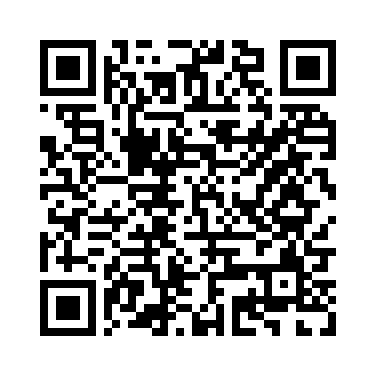
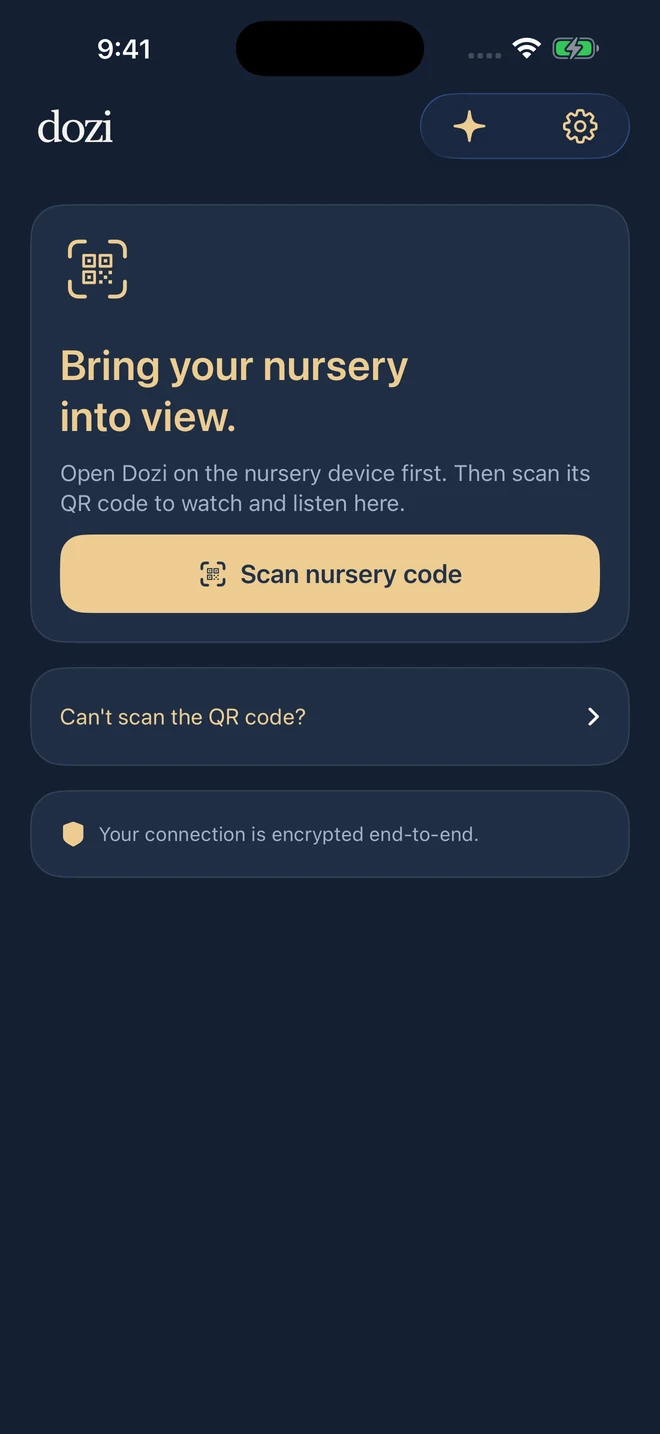
On your other device, choose “Use as parent monitor,” then “Scan nursery code.” Scan the nursery device’s QR code to pair.
-
Watch and listen
Keep both devices on the same Wi-Fi for free monitoring. Check the picture and sound, plug in the nursery device, and place it safely out of reach.
Read the full setup guide
A quieter way
to keep an ear out.
A clear view when you want one. Just the sound when you don’t.
Talk to baby
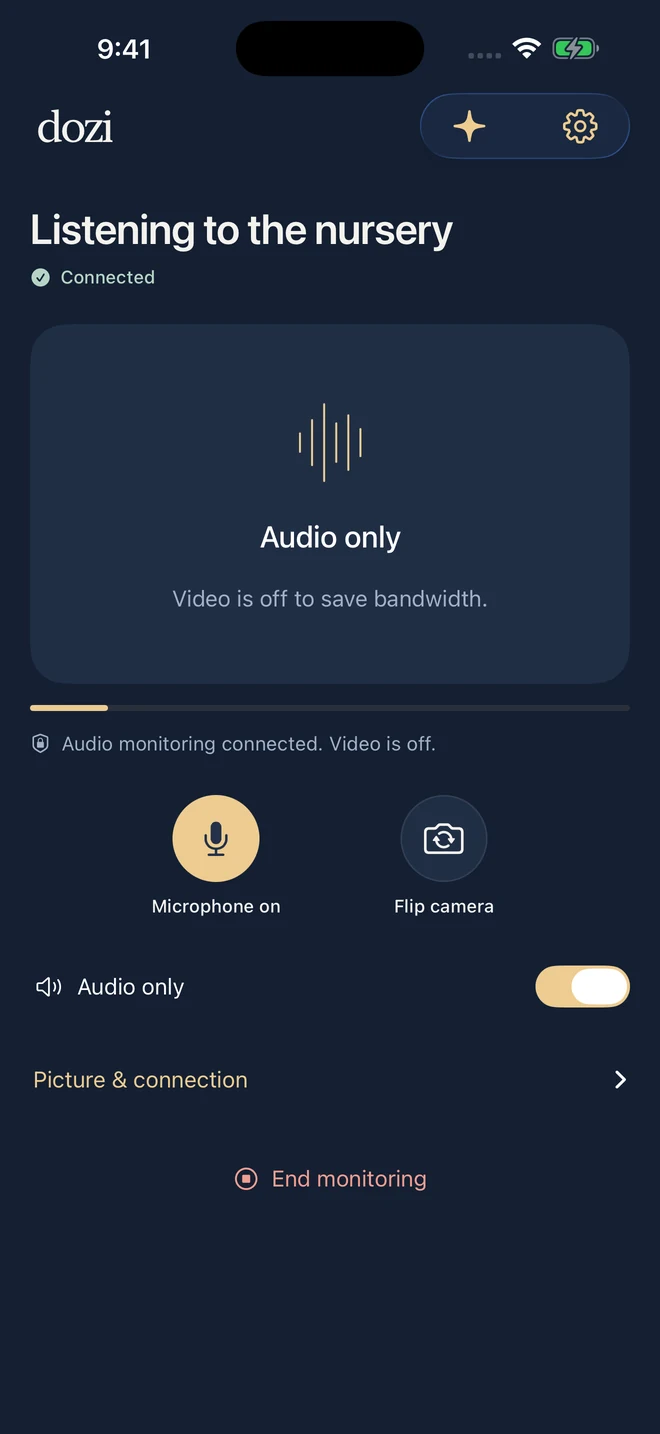
Turn on your microphone from the parent monitor to speak through the nursery device.
Audio only
Switch off video to listen with less bandwidth. Connection status stays in view.
Picture in Picture
On supported devices, keep the nursery video in a small window while you use another app.
Room for the whole view.
Use an iPad as your parent monitor or nursery camera. Dozi’s clear controls and familiar layout work across both.
How to use an iPad as a baby monitor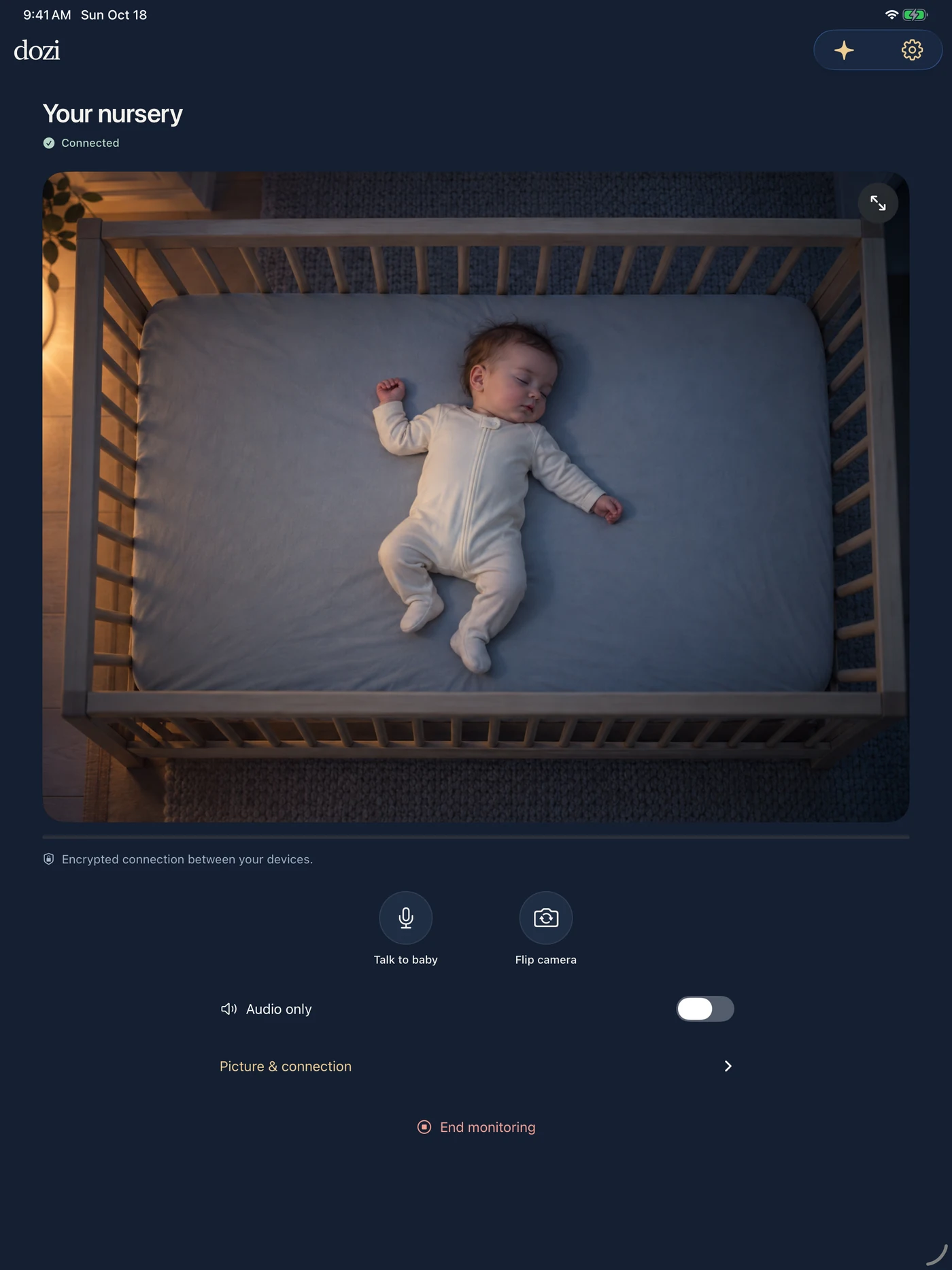
At home, it’s free.
Watch and listen when both devices are connected to the same Wi-Fi. No subscription needed for local monitoring.
How free Wi-Fi monitoring worksAway? There’s Premium.
Keep your parent monitor connected over cellular or another Wi-Fi network. The nursery device still needs a reliable internet connection.
About remote monitoringYour nursery stays private.
No account to create. No cloud recordings. Live video and audio are encrypted end-to-end between your paired devices.
Remote connections may use encrypted relay infrastructure to help devices connect. Dozi does not store nursery video, audio, or images on its servers, and the app has no third-party analytics or advertising trackers.
Read about privacyA few things to know.
Can I use an older iPhone?
Yes. Dozi requires iOS 17 or later on iPhone, or iPadOS 17 or later on iPad. Both devices need to run the app, and the nursery device needs a working camera and microphone. See the device requirements and setup guide before setting up.
Does Dozi have night vision?
Dozi can enhance the picture in a dim room, but an iPhone does not gain infrared night vision. A dim night light can help the camera show more detail.
What if I can’t scan the QR code?
Open “Can’t scan the QR code?” on the parent device and enter the nursery device’s host code and pairing code, then choose “Connect.”
Where can I get help?
Visit Dozi Support for pairing, permissions, and connection troubleshooting, or email support@dozibabymonitor.app.
A little closer,
wherever you are at home.
Download Dozi for iPhone and iPad
Free on the same Wi-Fi. Optional Premium for remote monitoring.